1. Pick a small event with an ending
Choose something that changes: a boat leaves the pier, a friend reaches a viewpoint or a kayak passes the camera. A recording with a recognizable beginning and result is easier to shape than a collection of unrelated directions. Watch the whole selected section once and identify the event. Then write a plain description such as 'we leave the harbour and see the open coast'. That description will guide your framing decisions.
2. Sketch four beats before touching effects
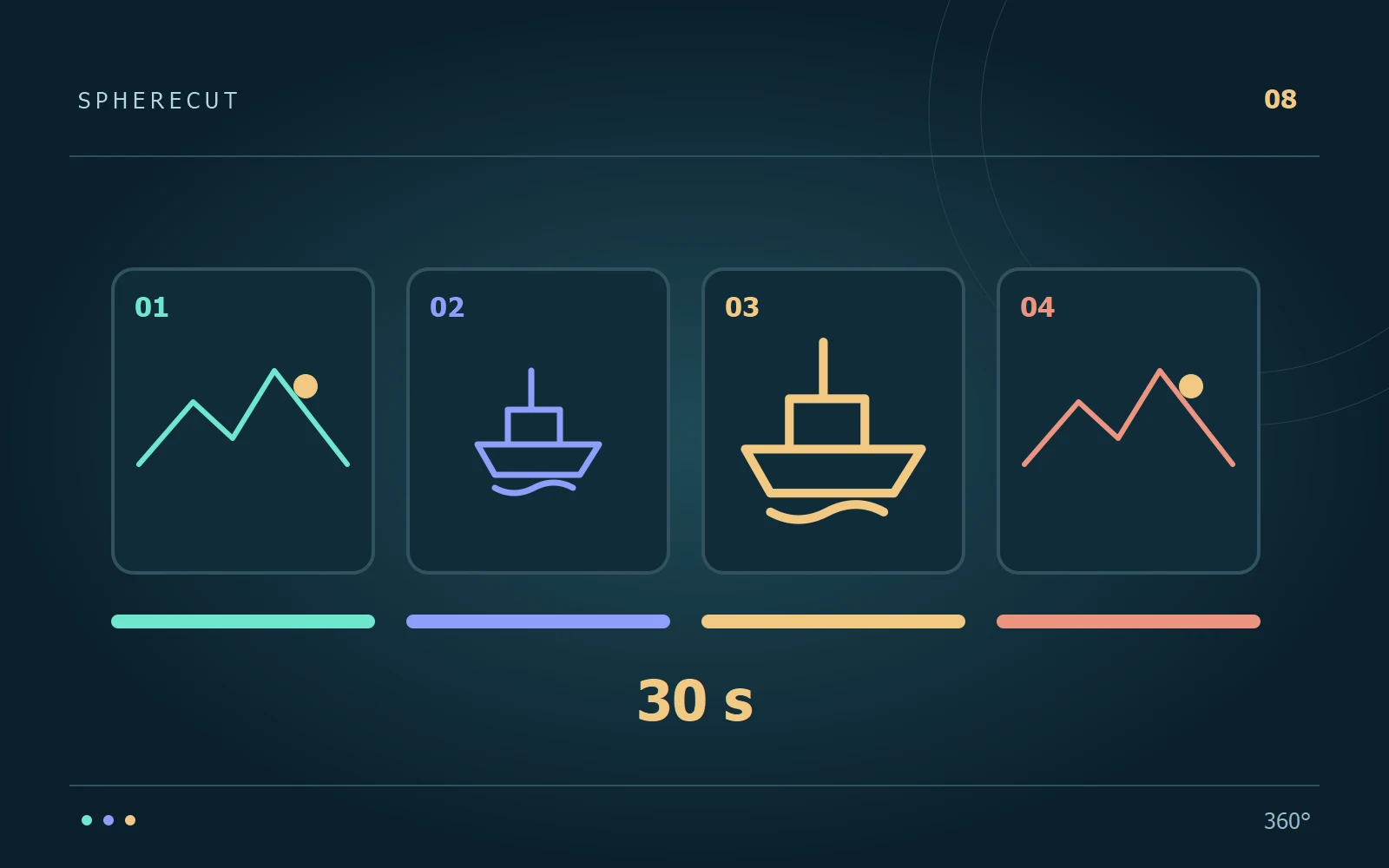
For a roughly 30-second result, try four sections: about five seconds to establish the place, ten for the main action, eight for a revealing detail and seven for the ending. These numbers are only an example. Move the boundaries to match what actually happens in the recording. Do not stretch a weak moment merely to meet a target length; a clear 24-second film can be better than a padded 30-second one.
3. Prepare complementary views
Use one view for the subject and another for the surroundings. In SphereCut, Thumb cut can switch between views of the same source while its timeline continues. This is not a multi-clip assembly tool: the different angles come from the one panorama. Make each view contribute something different. Two almost identical framings create a jump without adding information, while a subject view and a destination view establish a useful relationship.
4. Reserve one moment for emphasis
Choose a single event that deserves a slowdown or a camera effect. For example, briefly slow a splash, or use Look back to reveal the coastline before returning to the boat. Review what the effect adds to the story. If it hides the action or arrives after the important moment, move it or remove it. Use Undo while experimenting, and keep the duration of any slowdown in your total running-time plan.
5. Let the source sound connect the views
Continuous ambient sound can help different directions feel like one place. Listen around every cut and speed change, particularly where people are speaking. Do not choose a cut only because the image looks attractive if it interrupts the meaning of a sentence. SphereCut's PC correction preview is silent, so check sound in the exported result. For added narration, music or a sequence of separate recordings, continue with an appropriate finishing editor.
6. End deliberately and make a second format
Finish after the event resolves, rather than after an arbitrary spin or an accidental camera movement. Let the final view settle briefly. Then review a portrait composition separately from a landscape one: the same timing can work, but the subject may need a different direction or width. Before sharing, check:
- The first view explains where the event happens.
- Each change of view adds information or follows the action.
- The ending feels complete and the final aspect ratio keeps the subject visible.
Try it with your own footage
Download SphereCut for Android and the Windows companion. Keep the original on your PC and bring your edit to the phone.
Read the guide ↗